Fedora Linux gaming
Is gaming on Linux plug-and-play yet?


The gaming landscape for Linux has changed significantly just in the last few years. The Proton translation layer was initially released in 2018 just 6 years ago, and since then the gaming compatibility, and availability on Linux has exploded. Just withing a 6 year time frame, Proton has gone from 27 games and compatibility with DirectX 10 and 11, to over 17,000 playable games just through Steam.
The setup
All the launchers I'm going to write about here are going to be installed using Flatpak. So everything I mention here should be applicable to most other distros, with the exceptions for Kernel version, graphics drivers, and system libraries. Fedora tends to keep these up-to-date even between major releases, but if you're on an LTS or a distro that takes a while to release new versions of packages, make sure you have the latest versions of the core components available to your distro.
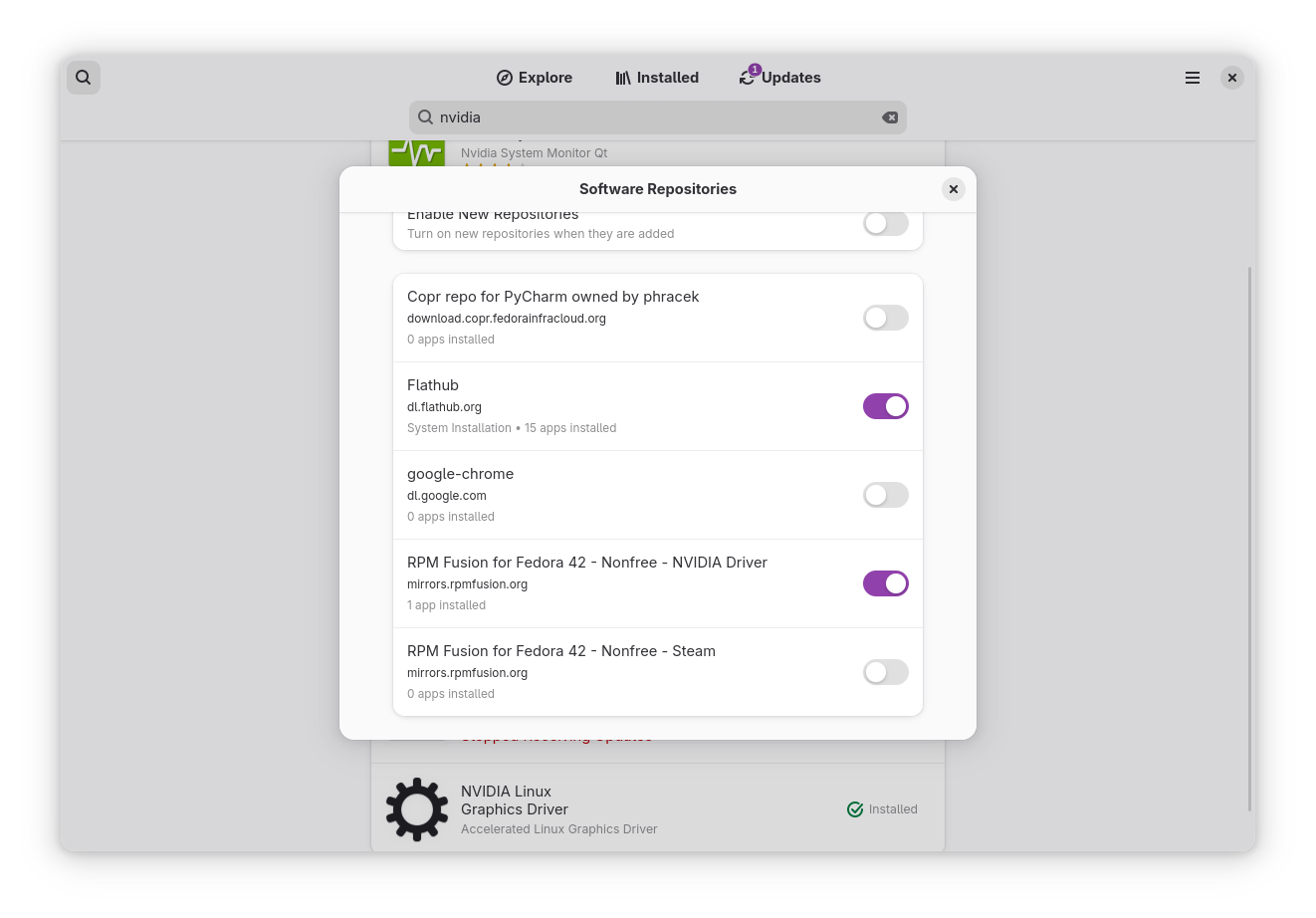
I'm also using an AMD graphics card. AMD is plug-and-play on modern Linux distros. With Kernel 6.13, even the incorrect lower power mode is no longer a concern. You will have to do some leg work if you have an Nvidia card. Although it's not much more work than what you have to do to install drivers on Windows. Most of the big distros provide a simple way to install Nvidia drivers straight from the store or a software utility. Fedora 41, for example, provides a switch to allow Nvidia driver installation directly in the Software Center. It even supports installing the Nvidia driver with Secure Boot on. I primarily use mouse and keyboard to play my games, but basically all games controllers are supported.


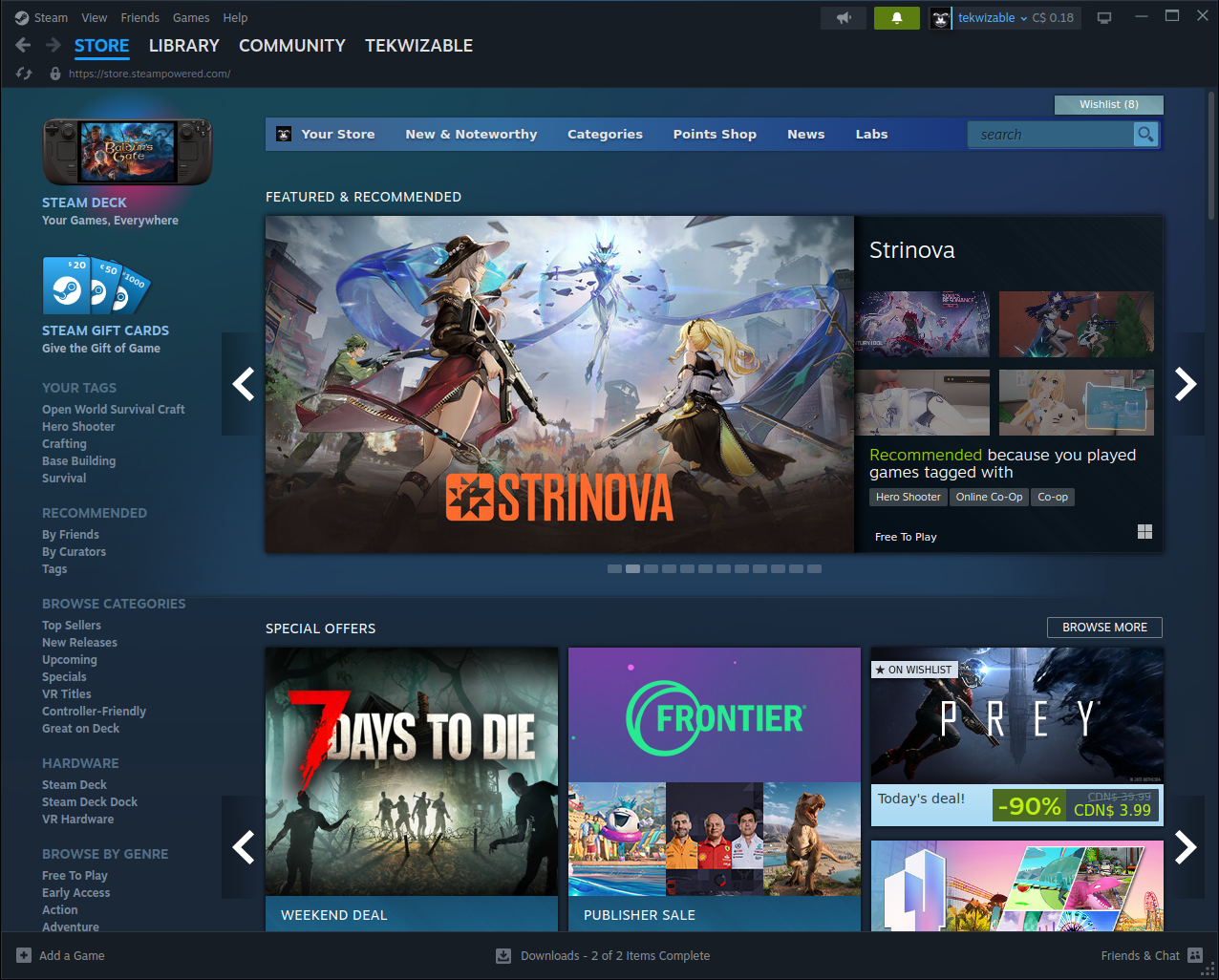
Steam
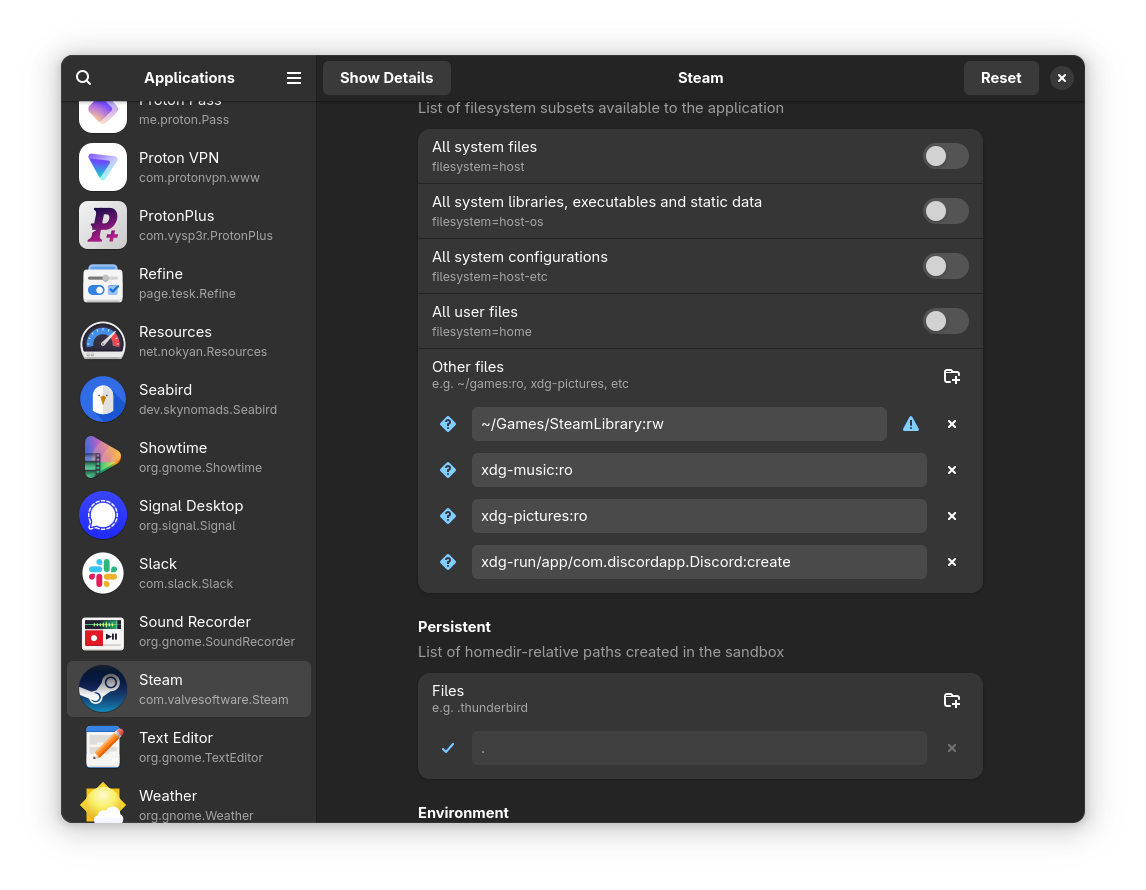
Steam, in a Flatpak, is basically plug and play for most titles on the platform. The Flatpak provides all the functionality and options that the traditional package (deb, rpm, etc) would, with the security features of the Flapak. There is a drawback/feature that most people will encounter; if you have an external Steam library you have to explicitly provide access to the Steam client. This is a security feature of Flapak, that the Steam client will not access to any other folder on your system. This can be easily done by using Flatseal to add to the folders that Steam has access to.
Heroic
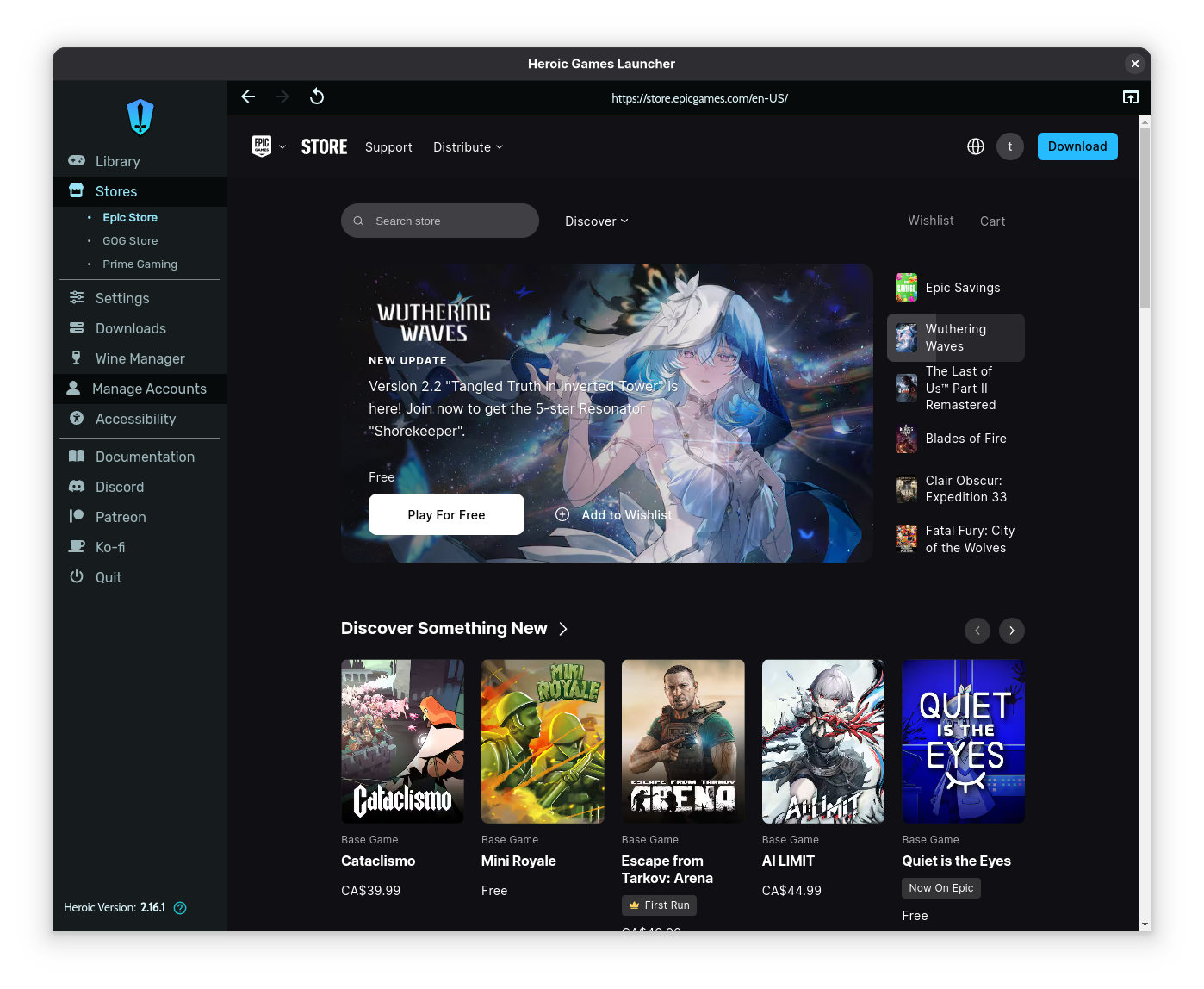
The Heroic launcher provides access to the GOG store, Epic Games store, and Prime Gaming store. Heroic also makes things very easy to run your games from the supported stores. You do have to have some extra knowledge of the Linux gaming the ecosystem, like knowing what Wine and Proton are, and manage versions of these programs. Heroic also exposes some advanced settings for the Proton compatibility layer. Managing the settings and the versions of the Proton compatibility layer are all integrated into the launcher. Heroic is a great middle ground between Steam and the next launcher Lutris.
Lutris
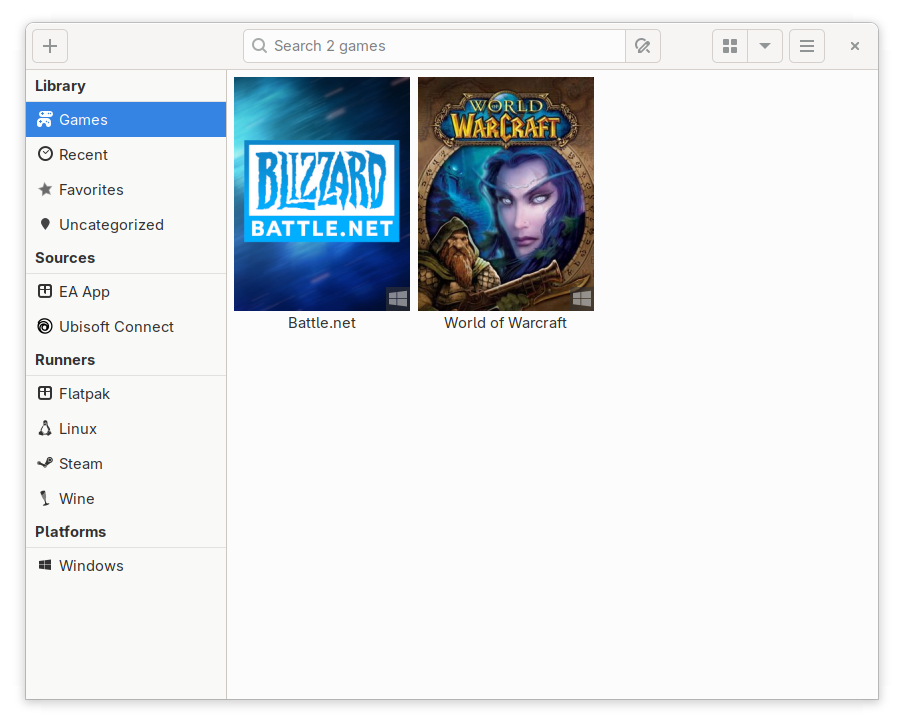
Lutris is the least user friendly of the launchers mentioned here, but its also the most flexible. There are JSON "recipes" for installing different games. These "recipes" guide you through the install the required dependencies, but you have the freedom to install different/custom versions of the dependencies and use those if you want. Lutirs is a great option for anything that is not on Steam, or Heroic. I use it, to play World of Warcraft, and for the Battle.net launcher.
Limitations and risks
There is still a limitation where any game that implements Kernel level anti-cheat will not work on Linux. Especially if the developer is not willing to support Linux with that anti-cheat. Linux typically demands that the anti-cheat run at the user level instead of the kernel level. There are some legitimate reasons for developers not switching their anti-cheat to user level. The biggest reason being that it allows cheaters to run their cheats at kernel level avoiding detection from the anti-cheat software. Apex Legends removed support for Linux because of this reason. So if you're a competitive gamer, if you play game like Fortnite, PUBG, or Valorant, then you will not able to play on Linux anytime soon.
Another drawback of Linux gaming is the risk of losing access to the game you play because the developer decides later to remove support. As I mentioned before, Apex Legends removed support for Linux after supporting it for a little bit. Right now games like Marvel Rivals, which is a huge title, support Linux, and I routinely play it on Linux. But there is no guarantee that this support will remain in the future. Marvel Rivals does implement anti-cheat, and for now they do make efforts to support Linux.
The verdict... for now
On a scale of "console gaming" to "3D printed custom gaming shell", in terms of user friendliness, Linux is still closer to the 3D printed option. While Linux gaming has come a long way, Steam has done a lot for that to be true, it is still not close to the brainless plug-and-play nature of console gaming. Even Windows gaming is that brainless with managing driver updates and making sure the peripherals work. Linux has another layer on top of the Windows difficulty, where it's not just graphics compatibility, which is a little easier to manage in Linux actually, but the Proton compatibility layer version management, and all the dependencies it comes with.
At the end of the day if you are a reader of this blog and you like gaming, doing it on Linux will require some tinkering and learning, but it is a fun experience in its own way.
If you want to see my game on Linux and code live on Linux, I recently started streaming on YouTube. I plan on streaming Linux games, I'm sure there will some troubleshooting involved at some point, and streaming coding sessions in the future.
Happy Hacking! 😃